Request Vacation
Before requesting
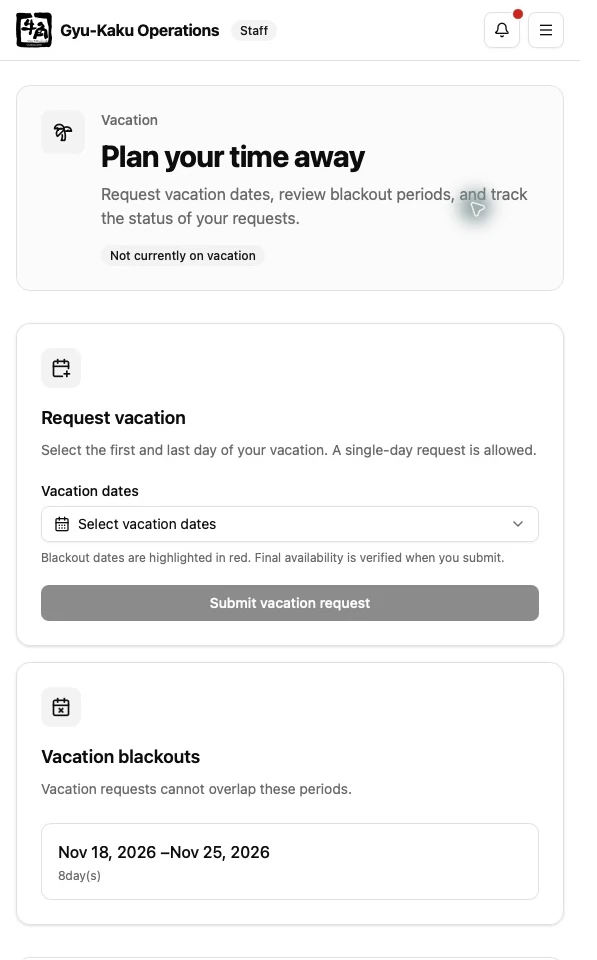
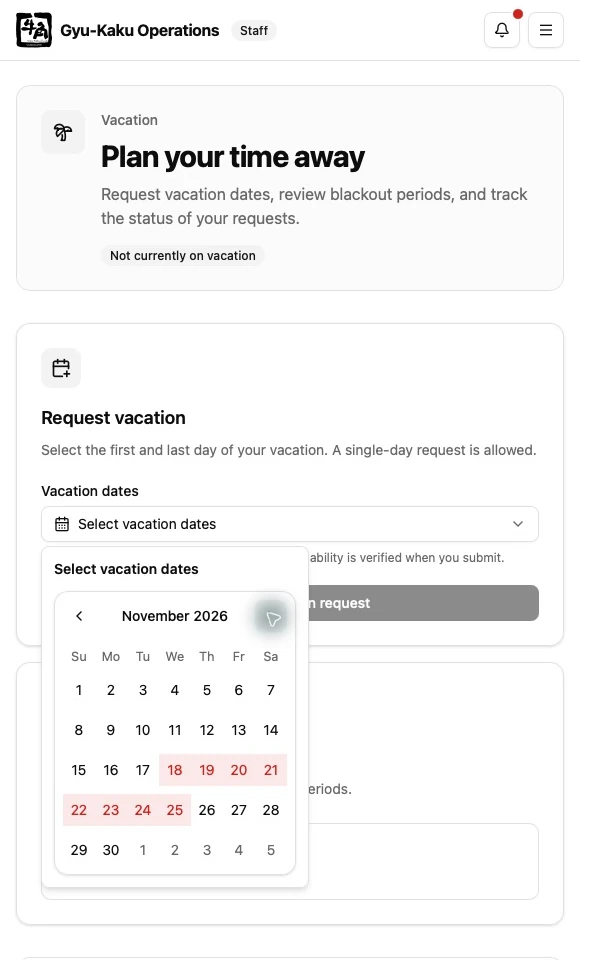
Section titled “Before requesting”Open Vacation Request from the Staff Dashboard and review the calendar for blackout periods. A blackout is a date range when new vacation requests are not accepted.
Submit a request
Section titled “Submit a request”- Select the first and last day of the vacation.
- Review the full date range.
- Submit the request.
- Confirm that the request appears with a Pending status.
Understand the status
Section titled “Understand the status”- Pending — waiting for management review.
- Approved — accepted and used by schedule planning.
- Rejected — not approved; review any management note.
Approved vacation dates are excluded when the weekly schedule and automatic schedule draft are prepared.