Manager Schedule Import
The import replaces the current Manager Schedule only within one continuous 28-day period. Entries outside that period are preserved.
Prepare the workbook
Section titled “Prepare the workbook”- Use an
.xlsxworkbook. - Place the repeating weekly blocks in columns A–H of the selected worksheet.
- Use each Staff member’s exact Staff ID.
- Include all active, non-system Managers and Supervisors expected by the roster.
- Use only OPEN, MID, CLOSE, OFF, OFFICE, or VACATION. A blank cell becomes UNASSIGNED.
The worksheet month helps choose the sheet; it does not define the stored period.
Preview
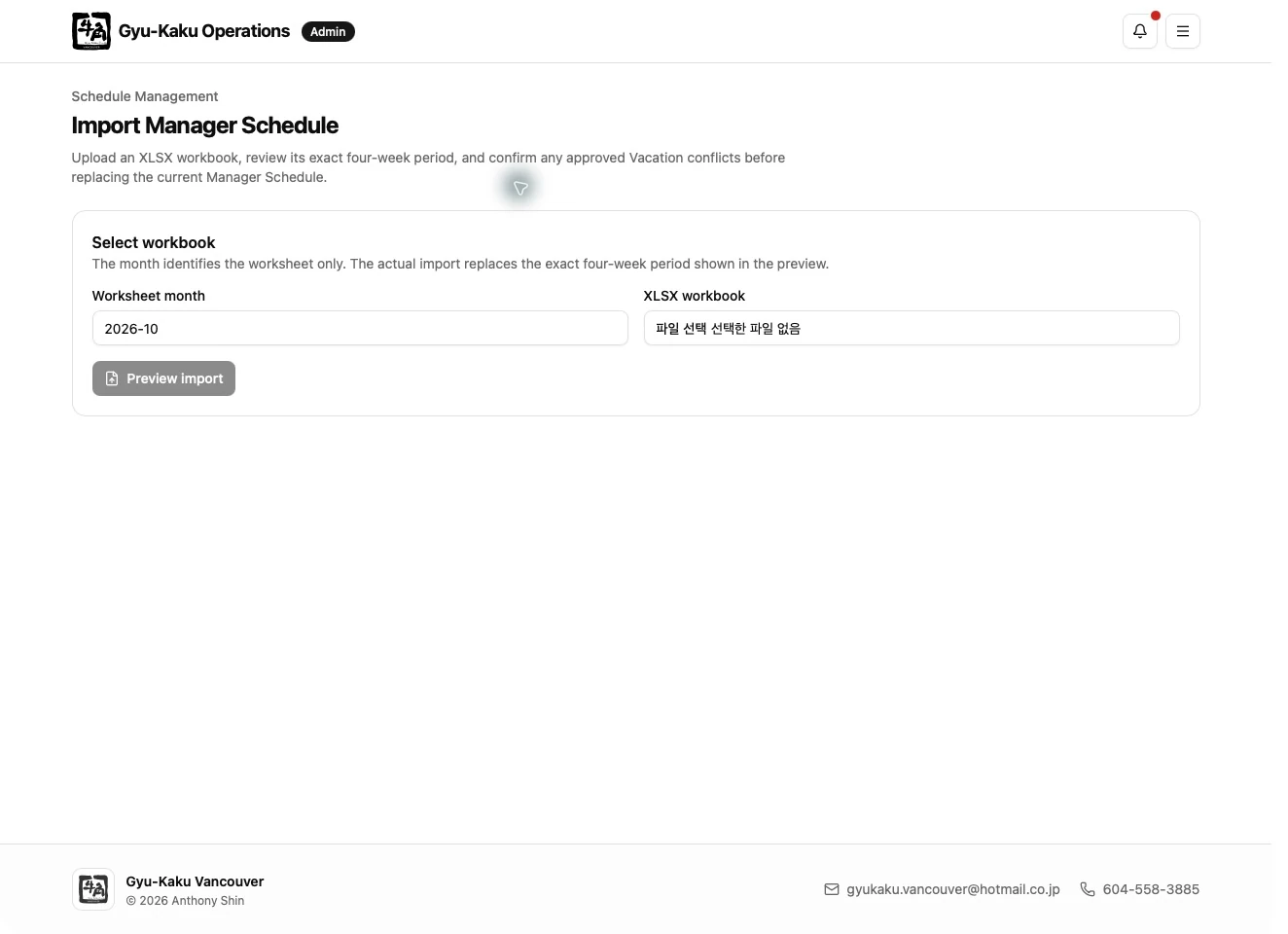
Section titled “Preview”- Select the workbook.
- Select the worksheet/month option.
- Start preview.
- Confirm the detected 28-day range and normalized entries.
- Resolve every blocking error.
- Review warnings and approved-vacation conflicts.
Confirm the import
Section titled “Confirm the import”Explicitly confirm every working-shift conflict with an approved vacation, then submit the import. The server validates the workbook, roster, vacation data, and current 28-day state again. If anything changed after preview, the import may be rejected as stale; run preview again.
The import is atomic: either the entire 28-day replacement succeeds or no partial replacement is stored.