Review Your Tip Level
Staff with a scheduling role can select My Tip Level from the dashboard.
Choose the role you want to review, then check the current result, available evaluation details, and history. Use the labels shown on the page to interpret your result.
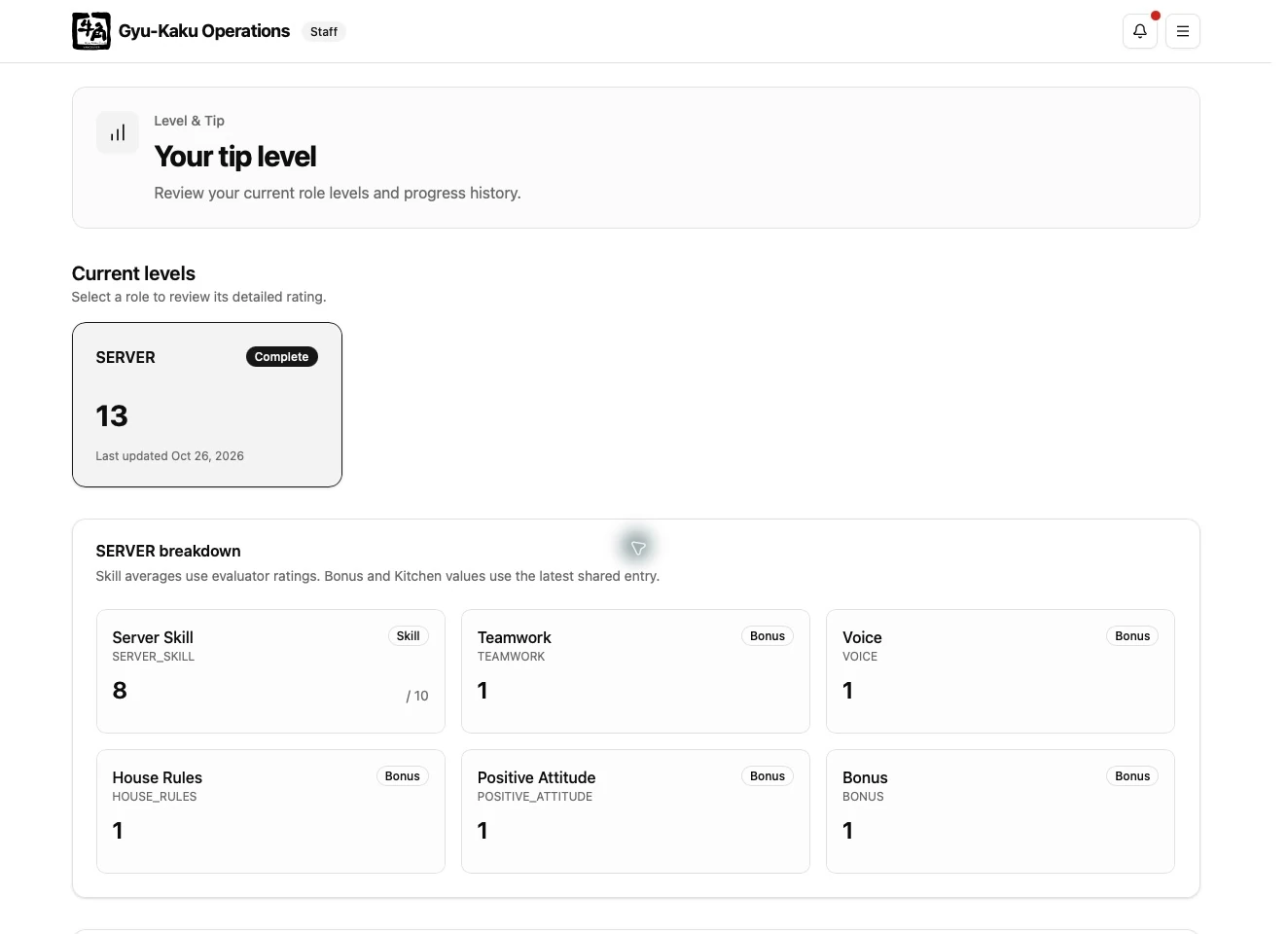
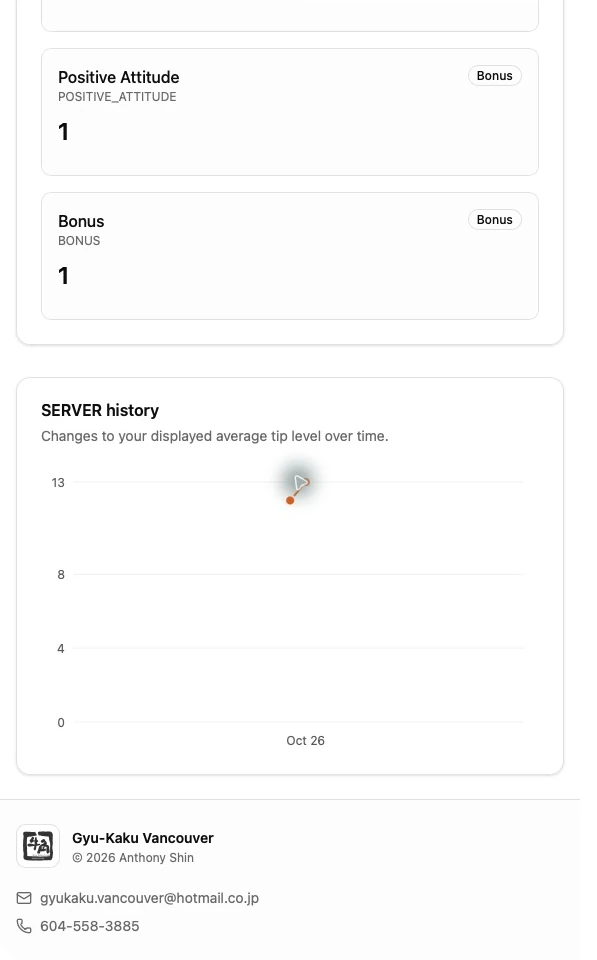
Staff can view their results but cannot edit their own ratings. Ask a designated Level Editor if an evaluation appears to be missing or incorrect.
When a Tip Level notification arrives, select Open to review the current page. See Check Notifications for inbox controls.