Change Your Password
All authenticated users can change their own password.
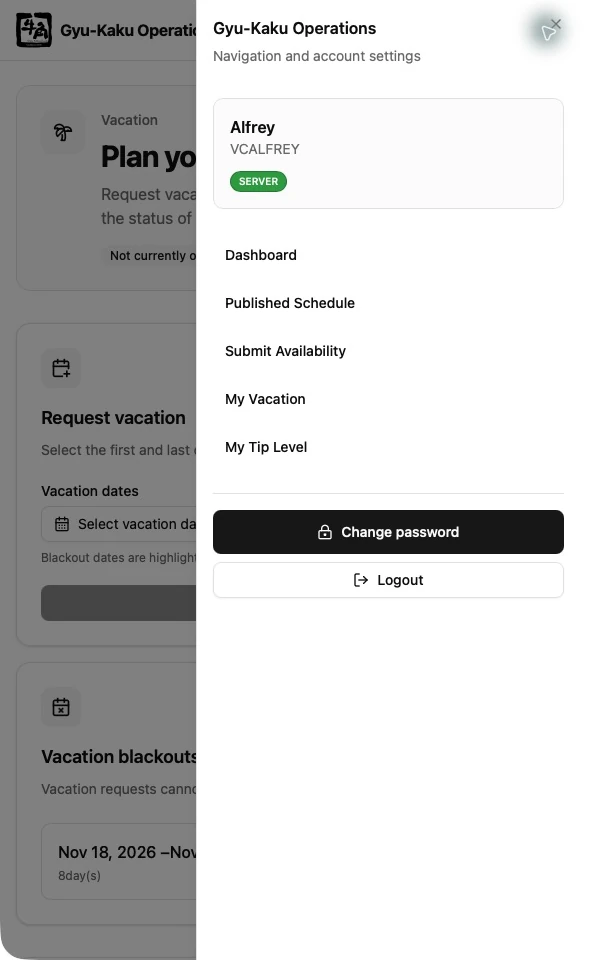
- Open the account menu in the application header.
- Select the password-change option.
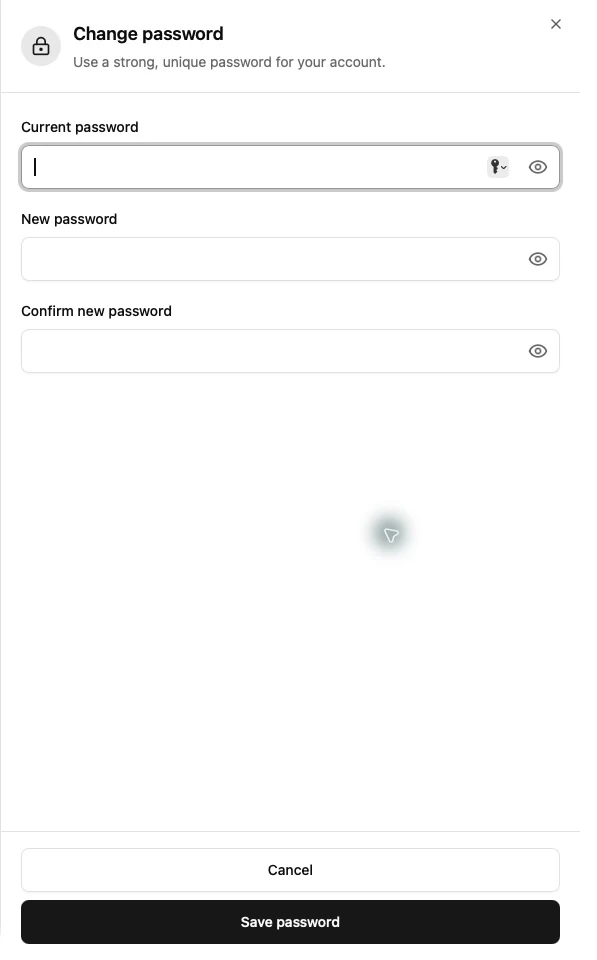
- Enter your current password.
- Enter and confirm the new password.
- Submit the form.
Use a password that is not shared with another service. If you cannot remember the current password, ask a Manager or Supervisor to reset it from Staff Management.