Scheduling Tier
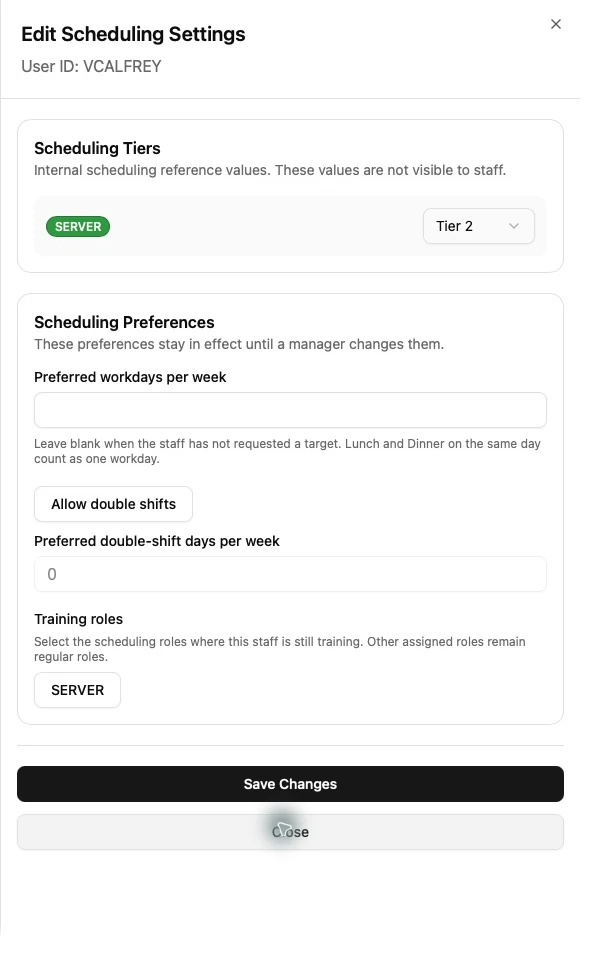
Scheduling Tier is a private value from 1 to 3, stored separately for each scheduling role held by a Staff member. It is not displayed to ordinary Staff.
- Open the Staff member in Staff Management.
- Open Scheduling Settings edit mode.
- Find the tier field for the applicable role.
- Choose 1, 2, 3, or leave the value unset according to the approved staffing policy.
- Review the Staff member’s other scheduling settings.
- Save.
An unset database value is treated as neutral Tier 2 by automatic generation, but it remains unset in the Staff record. Automatic generation considers Scheduling Tier before Tip Level.